
TL;DR
You do not need to be good with computers to learn tech.
Start with mindset first. Go slow. Mistakes help you learn.
Focus on basics that matter: your device, files and folders, web browsing, and online safety.
Practice in short sessions with real tasks. Small wins build real confidence.
You do not have to be “a computer person” to get good with tech. You just need a calm plan and someone who does not talk over you.
If tech has ever made you feel stupid, that is not your fault. Most guides move too fast and bury you in jargon. Here, we slow it down. You will see the few technology basics for beginners that matter first, and how to learn them without feeling lost.
By the end, you will know what to practice, what to ignore for now, and how to build real confidence one tiny win at a time.
Start With Your Mindset, Not Your Mouse
I spent more than thirty years in towing before I ever thought about online tools. Long nights on the side of the road taught me one thing that still runs this site today: big problems shrink when you break them into small, precise steps.
Tech works the same way. You do not need to understand everything. You just need to understand the next move.
Set a few ground rules for yourself. First, no shame for not knowing. You are learning a new skill, just as you would when driving a manual car or using a new oven. Second, permit yourself to move slowly. You do not have to click fast to be smart. Third, treat mistakes as clues, not failures. If a window pops up or you click the wrong thing, that information is useful next time.
Once your mindset is calmer, the practical skills start to stick.
Core Technology Basics For Beginners You Actually Need
There is a vast world of courses and tools out there, but most non‑tech beginners only need a small starter set of skills. Think of this as your “basic survival kit” for any computer, phone, or tablet.
Know Your Computer Or Phone First
Before you worry about apps, learn the physical and on‑screen basics of the device you already own. That means how to turn it on and off, adjust volume and brightness, and connect to Wi‑Fi. It also means knowing where the main buttons are and what they do.
On a computer, practice using the mouse or touchpad slowly. Move the pointer. Click once. Double‑click. Right‑click. Hover over buttons and read the tiny labels that appear. On a phone, practice tapping, long-pressing, and swiping. This sounds almost silly, but comfort with these simple moves makes every other task easier.
If you like clear, picture‑based lessons, the free basic computer skills tutorial from GCFGlobal walks through these ideas with screenshots and plain language.
Understand Files, Folders, And Storage
Next, you need to know where your stuff goes. Many beginners feel lost because they save a file, then cannot find it again. That is not a memory problem. It is a missing mental model.
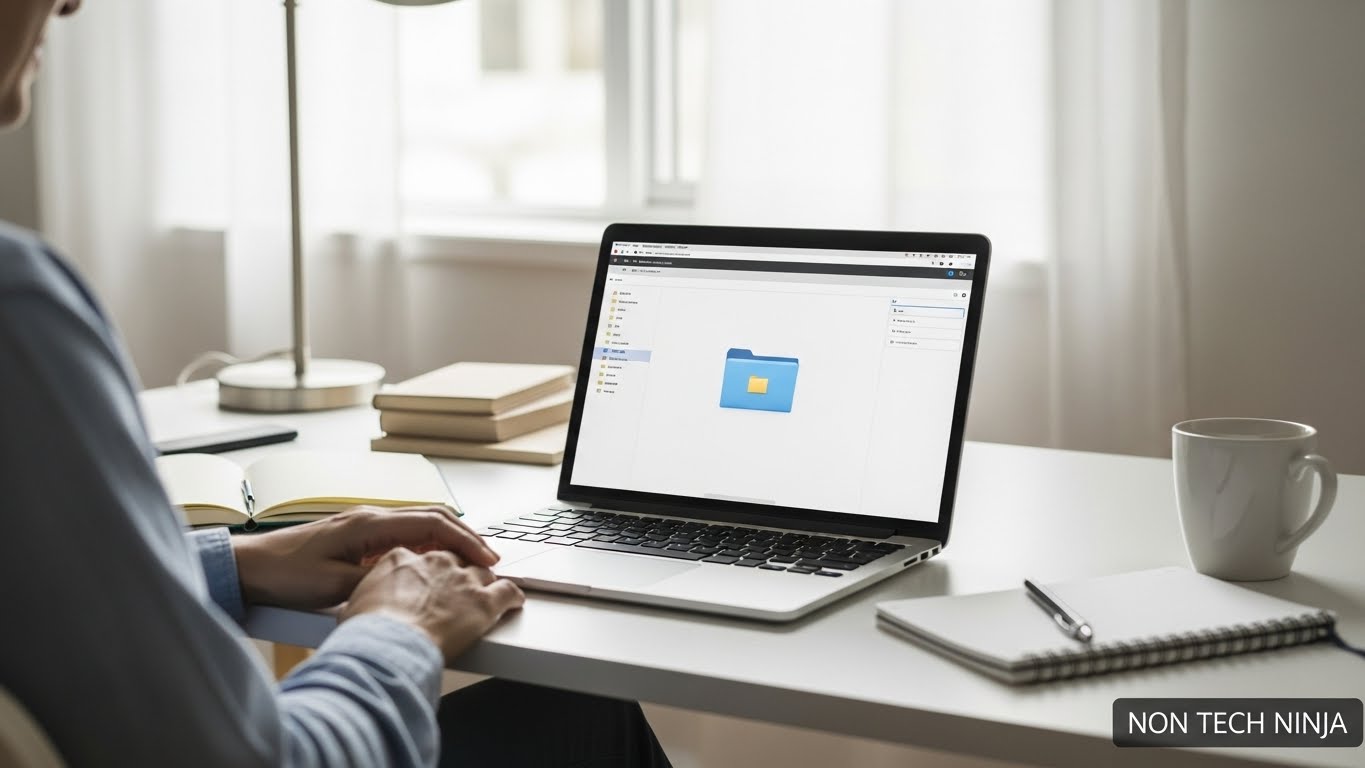
Picture your device as a house. Folders are rooms. Files are objects inside those rooms. When you download a photo, your browser usually drops it in a default “Downloads” folder. When you write a document, you choose a room when you hit Save.
Practice a short routine: create a folder with a simple name, like “Bills 2025” or “School Notes.” Save a file in that folder on purpose. Then close everything and find it again. Repeat until it feels boring. Boring here is good. It means your brain understands the pattern.
If you want ideas on which basic skills matter most, this overview of five basic computer skills for beginners from Goodwill Career Services aligns with much of what I teach adults who feel behind.
Use The Internet Without Getting Lost
Now we step into the browser, the app that opens websites. Learn four simple actions: type a web address, use a search box, open a link, and go back.
Open your browser and type a plain word into the search bar, like “weather” or “cooking videos.” Notice that you can either type complete web addresses (like “nontechninja.com”) or just questions. Click one result, look around a bit, then use the back button to return. Repeat this “open, look, back” pattern until it feels natural.
Get used to tabs, too. Tabs are like separate sheets on your desk. Try opening a new tab, visiting a site, then switching between tabs. That skill alone saves a lot of frustration when you are filling out forms or comparing pages.
For a more structured course on how computers and the internet work together, the free Computers and the Internet series on Khan Academy gives you short videos that build on each other.
Stay Safe Online From Day One
Safety is not an advanced skill. It is part of the basics.
Learn to pause before you click. If a message scares you, rushes you, or offers money out of the blue, treat it as a warning sign. Real banks, real companies, and real friends do not pressure you to act within minutes.
Get familiar with updates and passwords. When your device prompts you to install updates, it is often about security, not just new features. Let it run when you are not using the device. For passwords, plain sentences tend to be stronger and easier to remember than short, complex codes. Something like “GreenTruckOnIcyRoad!” is far better than “Truck123.”
You do not have to become a security expert. You just need a calm habit of stopping to read before you click.
How To Practice Without Feeling Overwhelmed
Knowing what to learn is half the job. The other half is how you practice.
I suggest short, focused sessions. Ten to fifteen minutes, once or twice a day, is plenty at the start. Pick one tiny goal, such as “save a file to a folder and find it again” or “open three websites and use the back button without getting lost.” When you hit that goal, stop. Let your brain rest.
Use real‑life tasks as practice. Pay one bill online. Write one short note in a word processor. Send one photo by email. When you attach tech skills to something that actually matters in your life, your motivation rises, and the steps make more sense.
If you like structured paths, local programs, and free online hubs like the Basic Computer Skills Course from Cuyahoga Community College or the community project at LearnBasicTech’s beginner courses can give you a simple track to follow.
Where To Learn More When You Are Ready
Once these basics feel steady, you can branch out in any direction you want.
If you are curious about work in IT, or you just want a better feel for standard terms, this guide to IT learning resources for non‑tech beginners lists beginner‑friendly books, sites, and videos. You can skim it and pick one or two that match your style.
If your long‑term goal is online income, such as affiliate marketing or simple content sites, you will see that most platforms use the same building blocks you already practiced here. You log in, move through menus, upload files, write text, and click buttons in your browser. At Non Tech Ninja, I focus on honest, low‑hype systems and tools, so you can grow at your own speed without chasing every new promise.
What matters is not how fancy the tool is. What matters is that you understand what it does and why you are using it.
Non Tech Beginner FAQ
Do I need to be good with computers before I start learning tech?
No. You start where you are. You only need a calm plan, clear steps, and space to practice without shame.
What should I learn first as a non tech beginner?
Begin with your own device. Learn the buttons, mouse or touch gestures, basic settings, and how to turn it on and off with confidence.
Why do I keep losing files I save?
The problem is the folder system, not your memory. You need a simple habit for creating folders, saving into them on purpose, and finding them again.
How much should I practice each day?
Ten to fifteen minutes once or twice a day is enough at the start. Pick one tiny goal, reach it, then stop and let your brain rest.
How can I stay safe online as a beginner?
Pause before you click. Be wary of messages that rush you, scare you, or offer money. Let updates run, and use long, simple sentences as passwords.
What if tech has made me feel stupid in the past?
That is not on you. Most guides move too fast and use heavy terms. You need slower steps, plain language, and room to make mistakes without blame.
Your Next Small Step
You do not need to “catch up” to anyone. You only need to be a little more confident than you were last week.
Start with your device, your files, your browser, and your basic safety habits. These are the technology basics for beginners that carry into every new tool you will ever touch. Once they feel steady, you can stack skills slowly, from email and cloud storage to online courses and income‑earning projects.
Take one small task today, even if it is just finding and opening a file you saved on purpose. Then close your laptop knowing you took one real step, and that is enough for today.
Key Takeaway
You do not need to learn everything to get comfortable with technology. Focus on mindset first, then master a few basics that repeat everywhere. Small steps, practiced calmly, create real confidence over time.
Start Your Online Journey the Simple Way
If you want to learn how to build a real online business without feeling lost or buried in tech, Wealthy Affiliate gives you clear steps, helpful tools, and support from people who have been there. No rush. No pressure. Take a look and see if it fits your goals.
Check Out Wealthy AffiliateA calm start is often the best start.