
- AI images are risky when you ignore licenses or copy real artists and brands.
- Always check that your AI tool allows commercial use for blogs and affiliates.
- Pure AI images may not be protected by copyright under U.S. law.
- Edit AI images with real creative input to lower legal risk.
- Avoid images that look too close to known characters, logos, or styles.
- Keep records of prompts, tools, and edits in case questions come up.
- How to Use AI Images Legally
- What Actually Makes AI Images Legal (or Risky)?
- What the Law Says in the US Right Now
- Choosing AI Tools And Reading The Fine Print
- Add Human Creativity, So The Image Becomes Yours
- A Simple Workflow To Keep Your Blog On The Safe Side
- FAQ: Using AI Images Legally on Your Blog
- Final Thoughts: Treat AI As A Helper, Not A Shortcut
- Want help building a safer, stronger blog?
How to Use AI Images Legally
You open your inbox and see it.
A scary email with “DMCA” and “copyright infringement” in the subject line.
If you are starting to use AI tools for your blog graphics, that fear sits in the back of your mind every time you hit publish. You want the speed and creativity of AI, but you also want AI images legal enough that no one sends you a threat letter.
This guide walks you through how I think about AI art for blogs, in plain English, so you can get the benefits of AI while keeping your legal risk low.
What Actually Makes AI Images Legal (or Risky)?
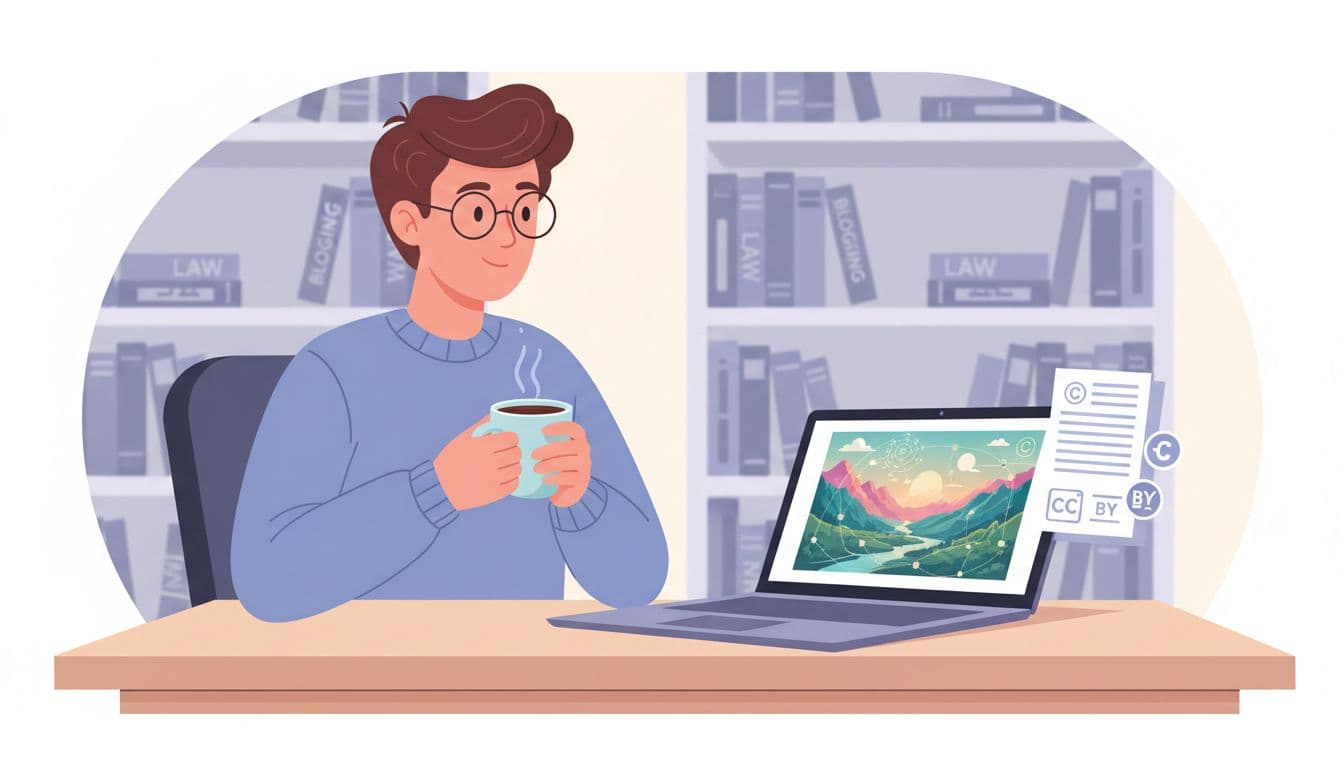
Image created with AI, showing a blogger checking copyright and licenses for AI images.
Think about AI images like photos you find in a random Google search. The problem is not the pixels themselves. The problem is whether you have any right to use those pixels in your business.
With AI, two questions matter most.
First, do you actually have permission from the AI tool to use that output on a commercial site, like an affiliate blog or newsletter landing page? Second, does the image copy someone else’s art so closely that it could be seen as an illegal clone rather than a fresh work?
Those two questions are where lawsuits come from, not from the fact that a machine helped you make something. So our job as bloggers is to build a simple habit: before you add an image to WordPress, you know where it came from, what the terms say, and whether it looks “too close” to a genuine brand or artist.
What the Law Says in the US Right Now
The short version of current U.S. guidance: copyright law protects humans, not software.
The U.S. Copyright Office has an ongoing initiative on AI, which you can read about on its main page, Copyright and Artificial Intelligence. Their 2025 report on copyrightability explains that a purely machine-generated image cannot receive copyright protection. That lines up with court rulings from the last few years.
A helpful way to picture it: if you type a prompt, walk away, and accept whatever the model spits out with no real creative choices, the law sees the machine as the maker, not you. No human author, no copyright. The Office went into this in more detail in its blog post on Part 2 of the AI report about copyrightability.
For you as a blogger, this has two significant effects. You probably cannot claim ownership of a raw AI image in the same way you can for a photo you shot. At the same time, if that AI output is very close to someone else’s art used in training, the original human artist still has rights and could argue the AI copied them.
Legal scholars are still arguing over the training side, which you can see in articles like USC’s overview on AI, copyright, and the law. While they argue, your best move is simple: treat AI outputs as risky stock photos and handle them with care.
This is general information, not personal legal advice, but it is enough to guide smart habits on your blog.
Choosing AI Tools And Reading The Fine Print
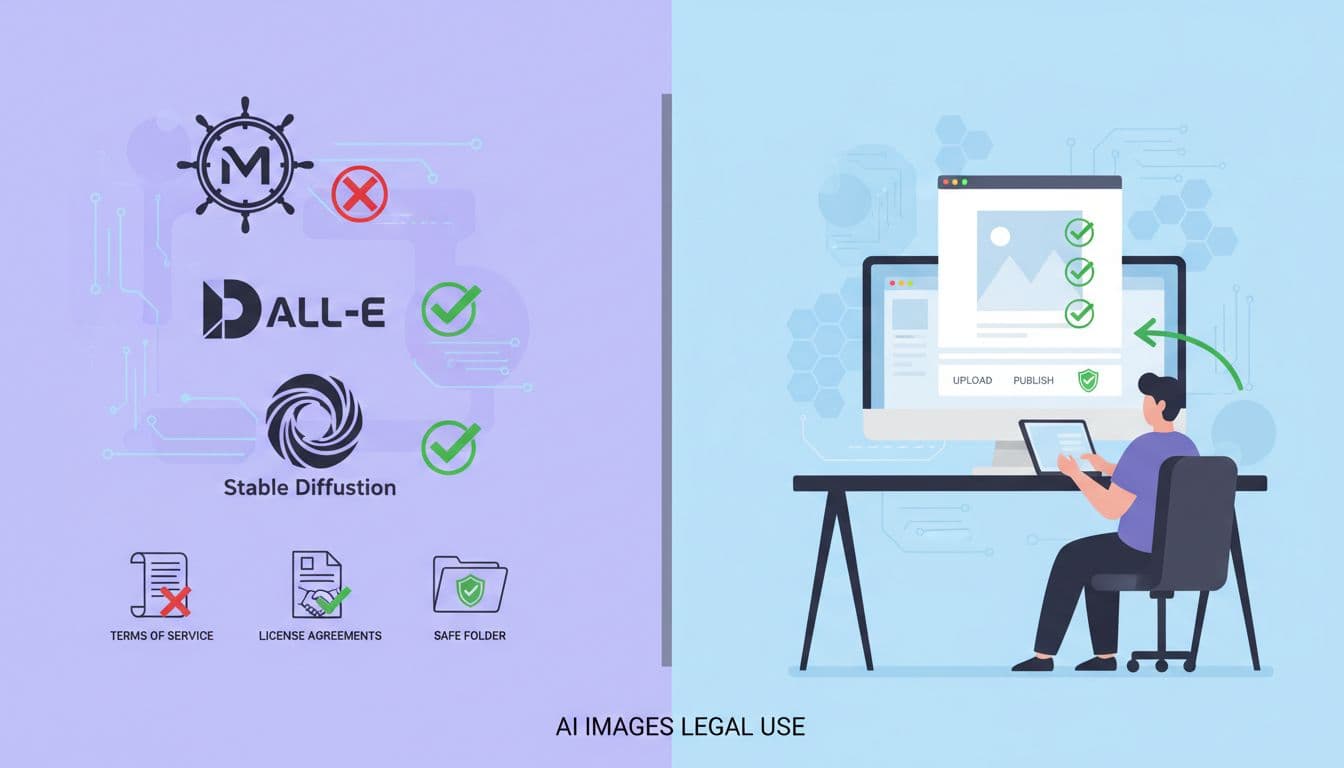
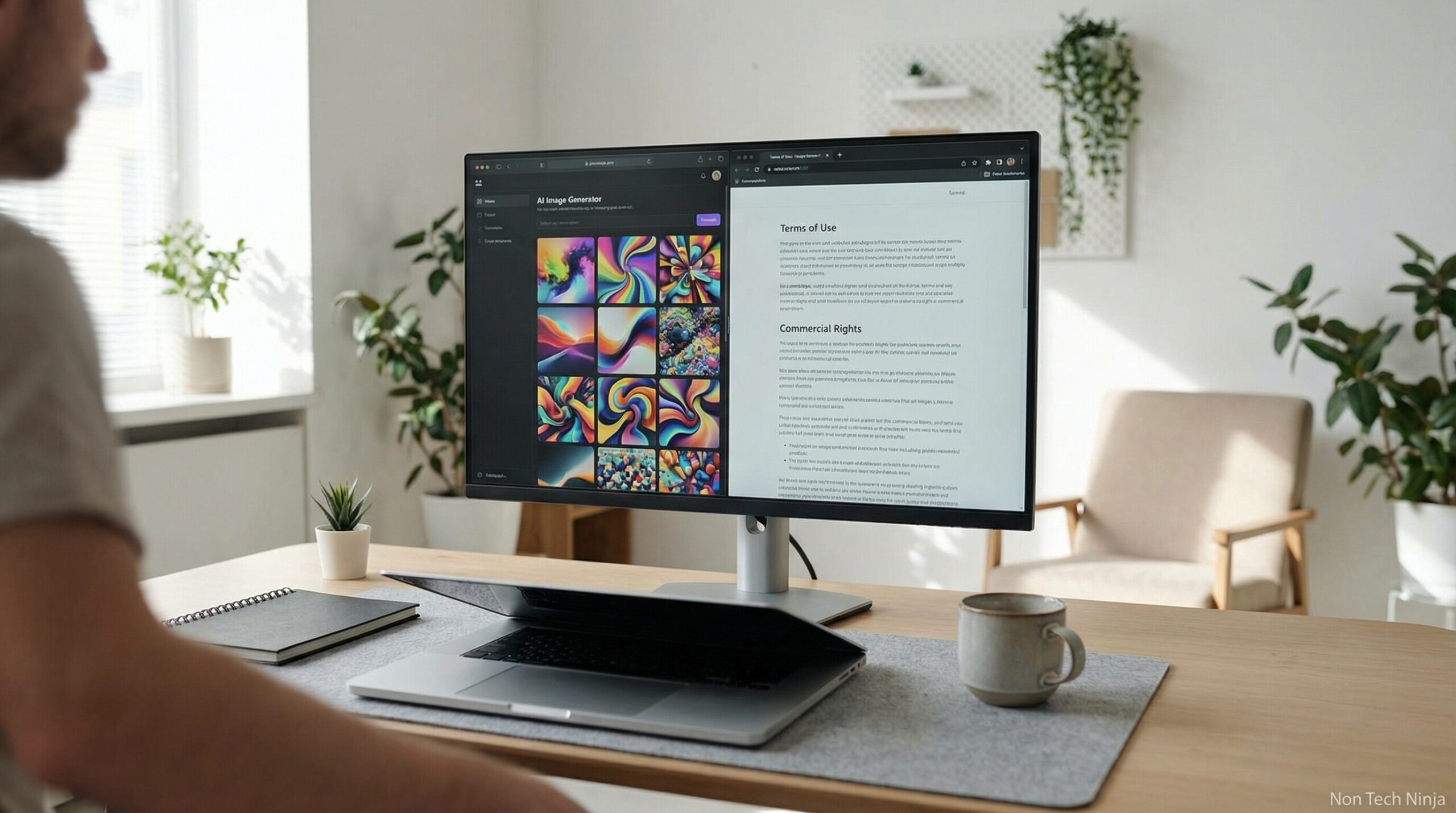
Image created with AI, visualizing the decision process for commercial rights on AI image tools.
Different AI tools play by very different rules, and that is where a lot of people get burned.
Some generators clearly grant commercial rights as long as you follow their terms. Others limit business use on free plans, keep their own rights to reuse your images, or ban specific topics. A few open-source models shift the risk back to you, because the license only covers the software, not what you do with it.
Here is how I approach a new tool. I hunt down the “Terms of Use” or “Licensing” page before I even upload a prompt. I scan for words like “commercial use,” “exclusive rights,” and “indemnity.” I look for a plain statement that says I can use outputs on websites, products, or marketing.
If the terms feel vague, I treat that tool as a toy, not as a source of blog images next to affiliate links. A practical explainer, like Kaboompics’ guide on using AI‑generated images for commercial use, can help you get a feel for red flags and safe language.
Once you pick one or two tools with clear rights, stick with them. Consistency makes your life easier if you ever have to prove the source of an image.
Add Human Creativity, So The Image Becomes Yours
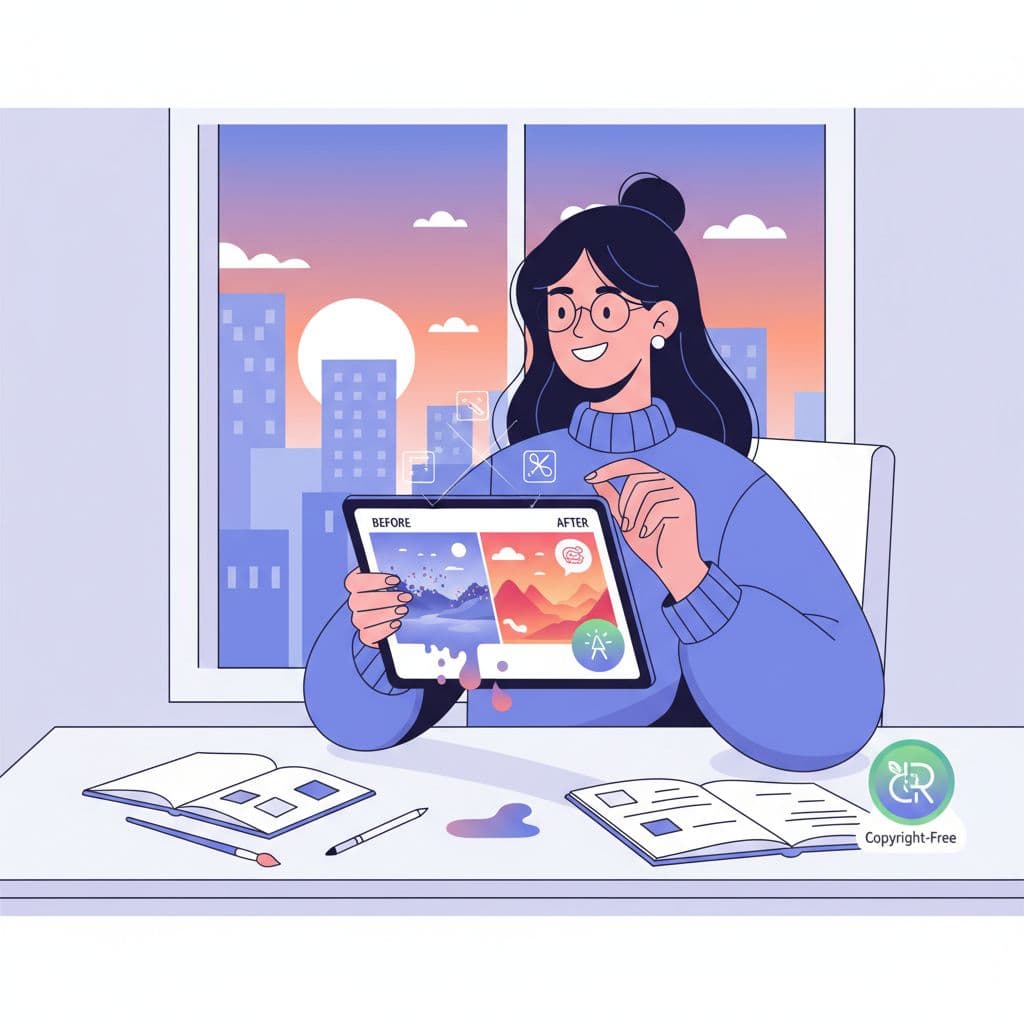
Image created with AI, showing human editing on top of an AI-generated base.
Remember that point about the law caring about humans, not machines. This is where you tip things in your favor.
If you use AI as a sketch tool, then make clear creative choices on top, and you start moving into safer ground. That could look like heavy cropping, compositing several outputs, painting over parts, adding your own graphics, or building a consistent brand style that you design yourself. At the same time, AI just gives you raw material.
Think of the AI output as dough. You still need to knead it, shape it, and bake it into something specific. The more you direct the concept, adjust poses, tweak lighting, and refine details, the easier it is to argue that your final image is a human-made work with copyright protection.
The Copyright Office has already said it will consider the level of human input when people register works that include AI-generated material. So when you edit, do it with intent. Make choices that a reasonable person would call creative, not just a one-click filter.
On a practical level, working this way also gives your site a recognizable visual style instead of the same generic AI faces everyone else uses.
A Simple Workflow To Keep Your Blog On The Safe Side
Here is a workflow I share with bloggers who want AI images legal enough that they sleep at night.
Step 1: Choose one or two AI tools that clearly allow commercial use and feel reputable. Read their terms once, slowly, like you would an affiliate agreement.
Step 2: For each prompt, save a quick record. I keep a single text file with the prompt, tool name, and date. That way, if someone questions an image later, I have a paper trail that shows I did not grab it from Pinterest.
Step 3: After you generate an image, pause and inspect it. Ask yourself if it looks like a famous character, brand, logo, or a style that screams one specific artist. If the answer is yes, run another prompt. It is not worth the headache.
Step 4: Edit with intent. Crop, adjust, add overlays, or mix several images. Make something that fits your article, rather than whatever the model liked that day.
Step 5: Before you hit publish, think about context. An AI-generated hero image for a general blog post is lower risk than an image used as a logo, book cover, or for a paid product. For high‑stakes uses, I like to check lawyer-written explainers, such as VLP Law Group’s article on copyright and AI-generated images, then decide whether to hire a human designer instead.
Step 6: Keep all original files in a separate folder labeled by tool. If anything goes wrong, having originals, edits, and prompts in one place makes it much easier to show that you took care.
Follow this routine a few times, and it becomes boring, which is precisely what you want from your legal risk.
FAQ: Using AI Images Legally on Your Blog
Quick answers to common questions about AI images, copyright, and blogging.
Is it legal to use AI images on my blog?
Can I get sued for using AI-generated images?
Do I own the copyright to my AI images?
Can I use AI images from free tools for commercial use?
How can I make AI images safer to use on my site?
Should I keep records of my AI prompts and tools?
Are AI images safe for logos, book covers, or products?
Final Thoughts: Treat AI As A Helper, Not A Shortcut
You do not need a law degree to keep your use of AI images legal enough for blogging. You need a clear source, readable terms, and a habit of adding real human creativity on top.
Think of AI as the junior designer who hands you rough sketches. You decide what stays, what changes, and what ends up in your post. You keep the notes. You own the final call.
If you hold that line, you get the speed of AI without gambling your blog, your brand, or your affiliate income.
Want help building a safer, stronger blog?
I use Wealthy Affiliate for step-by-step training on content, legal basics, and smart long-term blogging. If you want a clear path instead of guessing your way through AI and SEO, take a look at the same platform I use.