

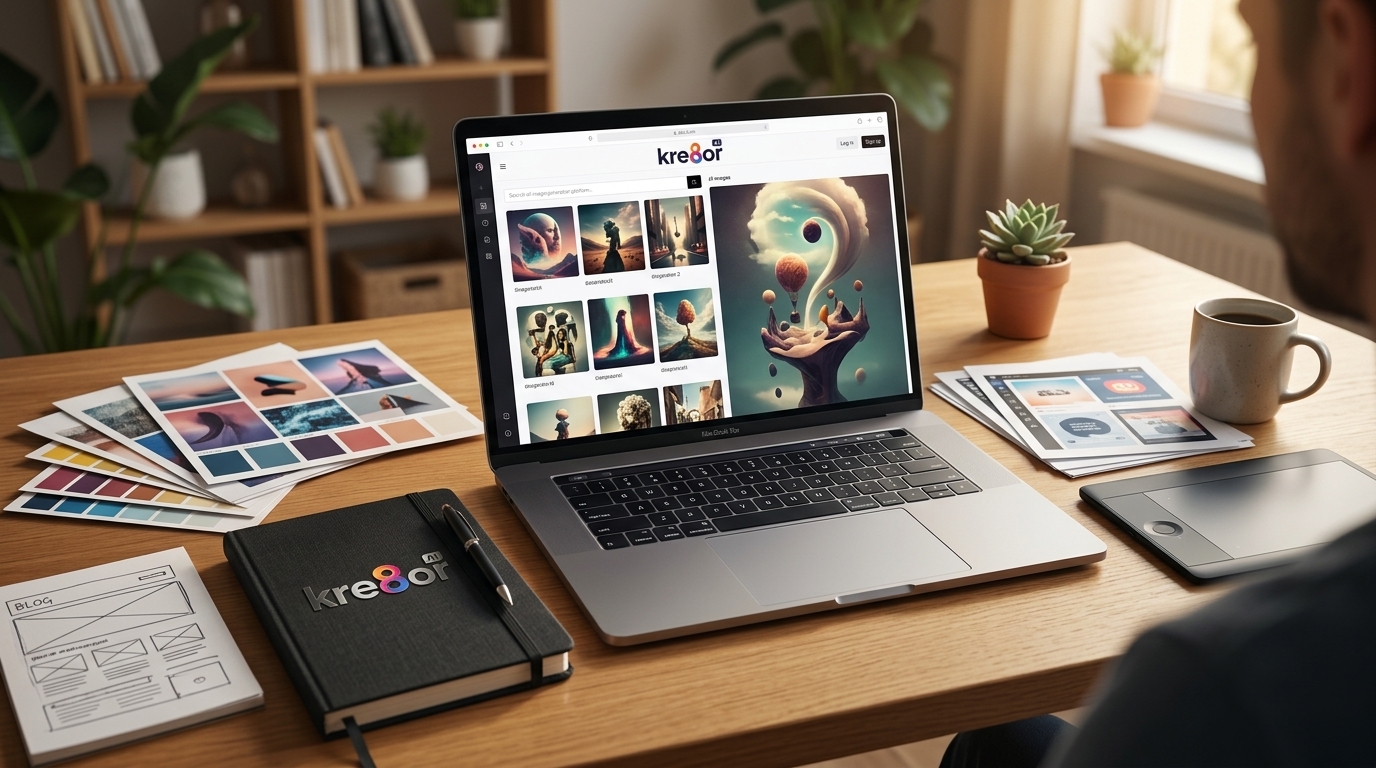
Recently, I have been using custom AI images. I used to rely on stock photos when I needed images for blog posts, social media graphics, Pinterest pins, and featured images. They were easy to find, and sometimes they worked well enough.
But after using them for a while, I started noticing the same problem. A lot of stock photos look like stock photos.
When I searched for images about content creation, online business, blogging, or affiliate marketing, I kept seeing the same familiar setups: the polished desk, the staged business meeting, the laptop beside a coffee cup, or someone pointing at a chart in a way that never feels quite natural.
There is nothing wrong with using stock photos when they fit. I still think they have a place. But for the kind of content I create, I usually want images that feel more specific, more creative, and more connected to the article.
That is one reason I started using custom AI images.
- Quick Answer
- Main Takeaways
- Stock Photos Can Feel Too Generic
- Stock Photo Reality Check
- Custom AI Images Let Me Match the Article
- It Helps My Content Look More Original
- AI Images Can Save Time
- I Still Have to Use Judgment
- My Simple AI Image Check
- Where Kre8or AI Fits Into My Workflow
- Best Places I Use Custom AI Images
- Where Custom AI Images Help Me Most
- The Real Benefit Is Control
- Want to Create Better Visuals Faster?
- Frequently Asked Questions
Quick Answer
I use custom AI images instead of generic stock photos because they give me more control over the look, topic, mood, and style of my content. For blog posts, Pinterest pins, social media graphics, and affiliate articles, AI images help me create visuals that feel more original and better matched to what I am writing about.
Main Takeaways
- Custom AI images help me create visuals that match the exact topic, mood, and style of my articles.
- Stock photos are useful, but they can feel generic when too many sites use the same visual style.
- AI images give me more control over blog graphics, Pinterest pins, and social media visuals.
- I still review every image carefully because AI can create odd details, fake text, or visuals that do not fit the article.
- Tools like Kre8or AI make the process easier with guided creation, remix options, style templates, and community inspiration.
Stock Photos Can Feel Too Generic
Stock photo sites are convenient, but they also have limits.
If I search for an image about content creation, online business, blogging, or affiliate marketing, I usually see the same kinds of photos over and over again. Many are polished and professionally made, but they often feel broad enough to work for almost any website.
That is useful in one way, but it can also make the image feel disconnected from the article.
The problem is not that the images are bad. Many of them are high quality. The problem is that they are not personal to my article. They were made to be used by anyone, which means they can also make my content look like everyone else’s.
When I am trying to build a site, grow a brand, or create something that feels a little different, that matters.
Stock Photo Reality Check
Stock photos can work fine when I need something simple and broad. The problem starts when the image looks like it could belong on any blog, in any niche, written by anyone.
If the visual does not support the article, it becomes decoration instead of part of the content.
Custom AI Images Let Me Match the Article
With AI images, I can create something that fits the article instead of trying to make the article fit whatever image I can find.
If I am writing about cozy spaces, I can create a specific room, mood, lighting style, and color palette. If I am writing about affiliate marketing, I can create an image that feels practical and beginner-friendly instead of using another stiff business photo.
If I am writing about Las Vegas travel, I can create an image that matches the exact topic, whether it is hotel check-in, resort credits, family attractions, or casino transportation.
That kind of control makes a big difference because the image does not have to be random anymore. It can support the article from the start.
It Helps My Content Look More Original
One of the hardest parts of creating content is standing out.

There are already a lot of blogs, social posts, pins, and reviews online. If my article uses the same kind of image everyone else is using, I am not giving the reader much reason to stop and look.
Custom AI images help me build a more original visual style.
I can keep certain colors, moods, layouts, and themes consistent across my content. That helps my sites look more intentional. It also helps my social graphics and Pinterest pins feel less like something pulled from a stock library five minutes before publishing.
That may sound like a small thing, but online, small things add up.
AI Images Can Save Time
This surprised me at first.
I thought creating AI images would take longer than finding stock photos. Sometimes it does, especially if I am being picky. But many times, it is faster.

Instead of searching through pages of images that are close but not quite right, I can describe what I need and start from there. I may still have to adjust the prompt, change the style, or generate a few versions, but I am working toward the image I actually want instead of settling for the best option someone else already made.
That feels like a better use of time.
I Still Have to Use Judgment
AI images are not perfect.
Sometimes an image looks good at first, but then I notice a strange hand, odd lighting, fake-looking text, or something in the background that does not make sense. Other times, the image is too busy, too polished, or too artificial for the article.
So I still have to check everything.
That is where the human part matters. AI can help create the image, but I still decide whether it fits the article, supports the message, and looks right for my audience.
I do not want to use AI images just because they look impressive. I want them to make the content better.
My Simple AI Image Check
- Does the image actually match the article?
- Are there strange hands, fake text, or odd background details?
- Does the visual feel too artificial for the topic?
- Would this image make someone more likely to read or share the post?
Where Kre8or AI Fits Into My Workflow
This is one reason I like using Kre8or AI.
Instead of starting from scratch every time, Kre8or AI gives me a more guided way to create visuals. The style templates, remix options, Workshops, and community examples make it easier to come up with ideas and improve them.
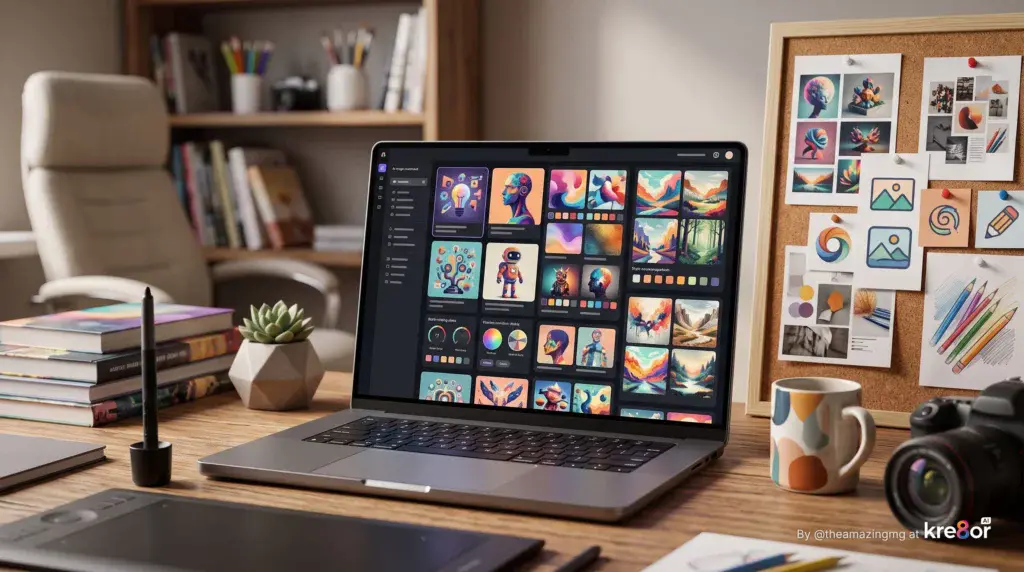
That is especially helpful when I know I need an image but do not know exactly what I want yet.
I can browse examples, test a few directions, remix something, or use a style option to get moving. For me, that removes a lot of the blank-page feeling that comes with image creation.
It does not replace creativity. It helps me get to the creative part faster.
Best Places I Use Custom AI Images
I use custom AI images for:
- Blog featured images
- Pinterest pins
- Facebook posts
- Social media graphics
- Affiliate article visuals
- Creative branding ideas
- Article headers
- Concept images for tutorials and guides
I would not use AI images for everything. If I need an exact product photo, a real news image, or something that must show a real place exactly as it is, I need to be careful.
But for creative content, blog graphics, mood-based visuals, and social posts, custom AI images are often a better fit than generic stock photos.
Where Custom AI Images Help Me Most
The Real Benefit Is Control
For me, the biggest benefit of custom AI images is control.
I can create images that match the article, the mood, the audience, and the site. I do not have to settle for a photo that is almost right. I can build something closer to what I had in mind.
That makes the content feel more complete.
Stock photos are still useful. I am not throwing them away completely. But for the kind of content I create now, custom AI images give me more flexibility, more originality, and a better way to make each article feel like it actually belongs on my site.
Want to Create Better Visuals Faster?
Kre8or AI gives me a smoother way to move from image idea to finished visual without spending all day fighting prompts or digging through stock photo sites.
Visit Kre8or AIFrequently Asked Questions
Are custom AI images better than stock photos?
Custom AI images can be better than stock photos when I need visuals that match a specific article, mood, brand, or topic. Stock photos are still useful, but AI images give me more control over the final look.
Why do I use AI images for blog posts?
I use AI images for blog posts because they help me create featured images, article graphics, and social visuals that feel more original. They also save time when I cannot find a stock photo that fits the article well.
Can I use AI images for Pinterest pins?
Yes, AI images can work well for Pinterest pins because they let me create vertical visuals that match the topic and style of the article. I still review the image carefully to make sure it looks clean, accurate, and clickable.
Do AI images replace creativity?
No, AI images do not replace creativity. They help me move faster from idea to visual, but I still choose the concept, review the details, adjust the style, and decide whether the image actually fits the content.
What should I check before using an AI image?
Before using an AI image, I check for strange hands, fake text, odd background details, distorted objects, and anything that does not match the article. A good AI image should support the content, not distract from it.
Where does Kre8or AI fit into this process?
Kre8or AI fits into this process by giving me guided tools, style options, remix features, and community inspiration. That makes it easier to create custom visuals without starting from a blank prompt every time.